

Squarespace vs. WordPress for Small Businesses: Which Platform Is Right for You? (2026 Guide)
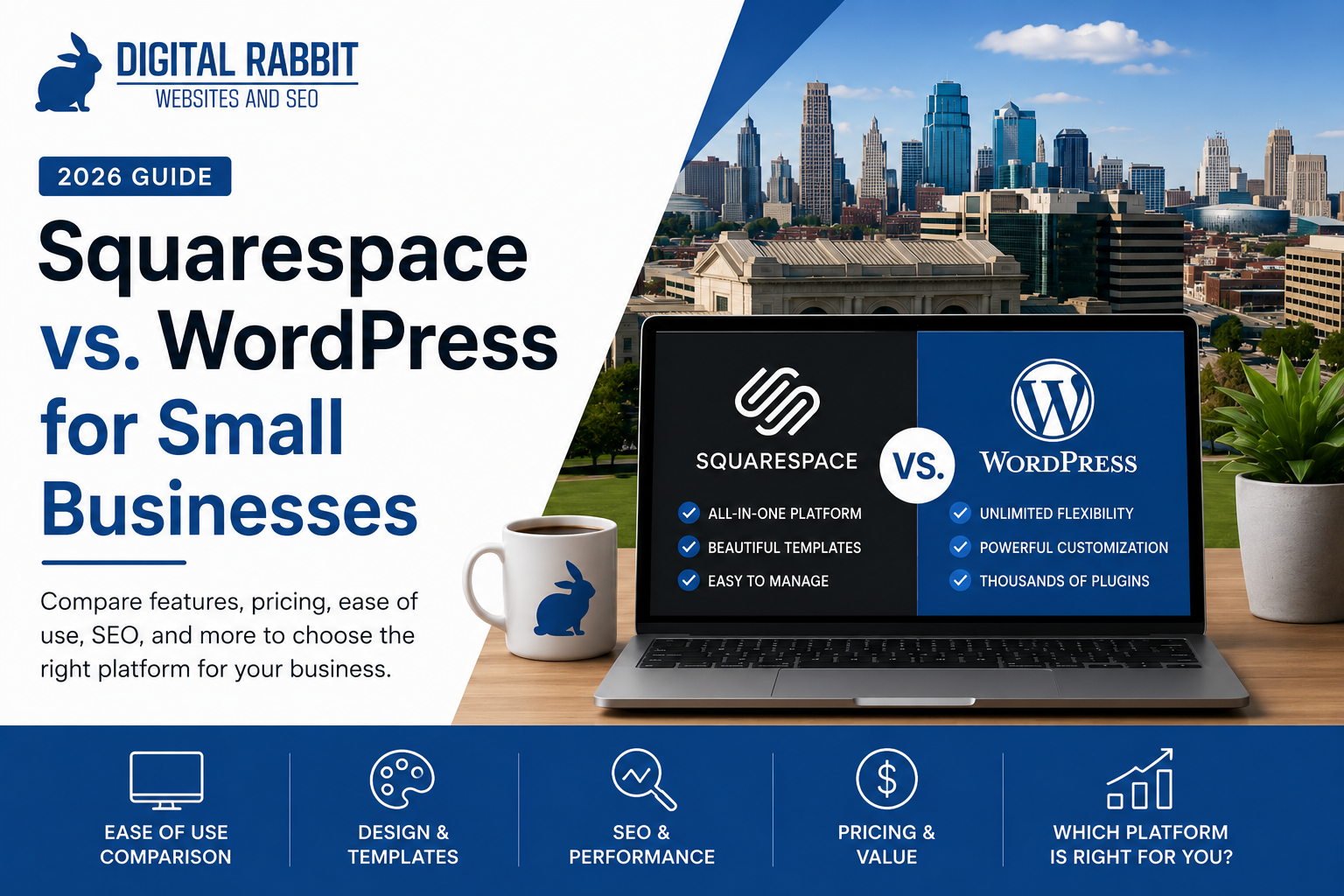
Choosing a website platform is one of the biggest decisions you'll make for your business. Two of the most popular options are Squarespace and WordPress, but they serve different types of businesses and website goals.
The truth is that there isn't a single "best" platform. The right choice depends on your budget, how much flexibility you need, how involved you want to be in managing your website, and your long-term growth plans.
In this guide, we'll compare Squarespace and WordPress across the categories that matter most to small business owners so you can make the right decision for your business.
Squarespace at a Glance
Squarespace is an all-in-one website platform that combines hosting, templates, security, updates, and website management into one easy-to-use system.
It's designed for business owners who want a professional website without worrying about technical maintenance.
Squarespace is an excellent option for:
Small businesses
Service-based companies
Nonprofits
Therapists
Consultants
Restaurants
Local organizations
Most users can easily edit text, swap images, add blog posts, and update pages without needing any coding experience.
WordPress at a Glance
WordPress powers a large portion of websites on the internet because of its flexibility and customization options. Unlike Squarespace, WordPress is open-source software that allows you to customize nearly every aspect of your website—but that flexibility comes with added complexity.
With WordPress, you'll typically need to manage:
Hosting
Software updates
Security
Plugins
Backups
Ongoing maintenance
For businesses with unique functionality or advanced development needs, WordPress can be an excellent long-term solution.
Ease of Use
Winner: Squarespace
If you're a busy business owner, Squarespace is significantly easier to manage.
Its drag-and-drop editor makes updating pages straightforward, and everything is managed through one dashboard.
WordPress offers much more flexibility, but the learning curve is steeper. Installing plugins, troubleshooting updates, and managing hosting can become overwhelming if you're unfamiliar with website management.
Design & Templates
Winner: Squarespace
Squarespace has built its reputation around beautiful, modern templates.
Their designs look polished immediately and are responsive across desktop, tablet, and mobile devices.
While WordPress offers thousands of themes, quality varies dramatically. Many require additional customization before achieving a professional appearance.
SEO
Winner: Tie
This is one of the biggest misconceptions in web design.
Many people assume WordPress automatically ranks better on Google.
That's simply not true.
Both Squarespace and WordPress provide the core SEO features most small businesses need, including:
Custom page titles
Meta descriptions
Clean URLs
Image alt text
Mobile responsiveness
XML sitemaps
SSL security
What matters far more than the platform is your content quality, keyword strategy, website speed, internal linking, and ongoing SEO work. Both platforms are capable of ranking well when optimized correctly.
Customization
Winner: WordPress
This is where WordPress shines.
If your website requires:
Membership areas
Advanced booking systems
Custom databases
Learning management systems
Complex integrations
Custom applications
WordPress offers nearly unlimited flexibility.
Squarespace can handle many common business needs, but eventually you'll encounter limitations if your website becomes highly customized.
Maintenance
Winner: Squarespace
Squarespace handles:
Security updates
Hosting
Performance
Software updates
SSL certificates
Backups
Everything happens behind the scenes.
With WordPress, you'll either manage these yourself or hire someone to maintain the website.
For many small businesses, this ongoing maintenance becomes an unexpected cost.
Security
Winner: Squarespace
Because Squarespace manages the entire platform, security updates happen automatically.
WordPress can absolutely be secure, but only if it's properly maintained with updated plugins, themes, hosting, and backups.
Many hacked WordPress websites result from outdated software—not the platform itself.
Cost
There isn't a clear winner because costs vary.
Squarespace has predictable monthly pricing that includes hosting, security, and updates.
WordPress software itself is free, but you'll still pay for:
Hosting
Premium themes
Plugins
Security tools
Backups
Maintenance
For many businesses, the total cost ends up being similar once everything is included.
Which Platform Is Better for SEO?
This is probably the question we hear most often.
The honest answer is:
Neither platform ranks higher simply because it's Squarespace or WordPress.
Google ranks websites based on hundreds of factors including content quality, page experience, backlinks, local relevance, and user satisfaction—not the content management system itself.
A well-built Squarespace website will almost always outperform a poorly maintained WordPress website.
Our Recommendation
For most Kansas City small businesses, we recommend Squarespace.
Why?
Because it allows business owners to focus on running their business instead of managing website software.
Squarespace offers:
Beautiful design
Fast performance
Strong SEO capabilities
Easy editing
Reliable security
Minimal maintenance
Unless your business requires advanced custom functionality, Squarespace is often the simpler and more cost-effective choice.
For businesses with highly customized requirements or enterprise-level functionality, WordPress may be the better long-term investment.
Want a Realistic Estimate for Your Business?
Digital Rabbit offers free website and SEO scorecards for Kansas City businesses looking to improve their online presence, rank higher on Google, and generate more leads.
Request a Free Website ReviewFinal Thoughts
Both Squarespace and WordPress are excellent website platforms.
The "best" platform depends on your goals—not what someone on the internet says is best.
If you want a website that's easy to manage, visually polished, and built to support your business without constant maintenance, Squarespace is a fantastic choice.
If you need extensive customization and are comfortable with additional technical management, WordPress offers unmatched flexibility.
The platform you choose matters—but having a professionally designed website with clear messaging, strong SEO, and a great user experience matters even more.
Need Help Choosing the Right Platform?
Not sure which platform is right for your business?
Digital Rabbit helps Kansas City small businesses and nonprofits choose the website platform that best fits their goals, budget, and long-term growth. Whether that's Squarespace or WordPress, we'll recommend the solution that makes the most sense for your business—not just the one that's easiest to sell.
